When hiring feels messy, the first instinct is usually to add another tool. A new applicant tracking system, a scheduling app, a scoring template.
Tools can help. But only once the team understands the process the tool is meant to support. Software that follows an unclear process does not make it clear. It just makes the confusion faster and harder to see.
In our last article we looked at what it costs when hiring lives in five different places. This article is about what to do before you try to bring it all together: draw the process.
Why the map comes first
In 1990, Michael Hammer's Harvard Business Review article Reengineering Work told managers, in its subtitle, not to automate their old processes but to obliterate them. More than thirty years later, that line still sums up the trap. Putting technology on top of a process nobody has examined tends to preserve its problems.
Large employers know this. The US Office of Personnel Management offers federal agencies a Hiring Process Analysis Tool built around a model hiring process. Agencies review each step and its recommended time, enter how long they actually take, and see which steps differ most from the model. The aim, in OPM's framing, is to fill positions quickly enough that qualified candidates are not lost, without moving so fast that good candidates are overlooked.
A small company does not need a government framework. It needs the same idea at a much smaller scale: one honest picture of how a hire actually moves.
How to map one hire
Pick one recent vacancy, ideally one that felt harder than it should have. Then write down every step from the first request for the role to the accepted offer. Not the process you intended. The one that actually happened.
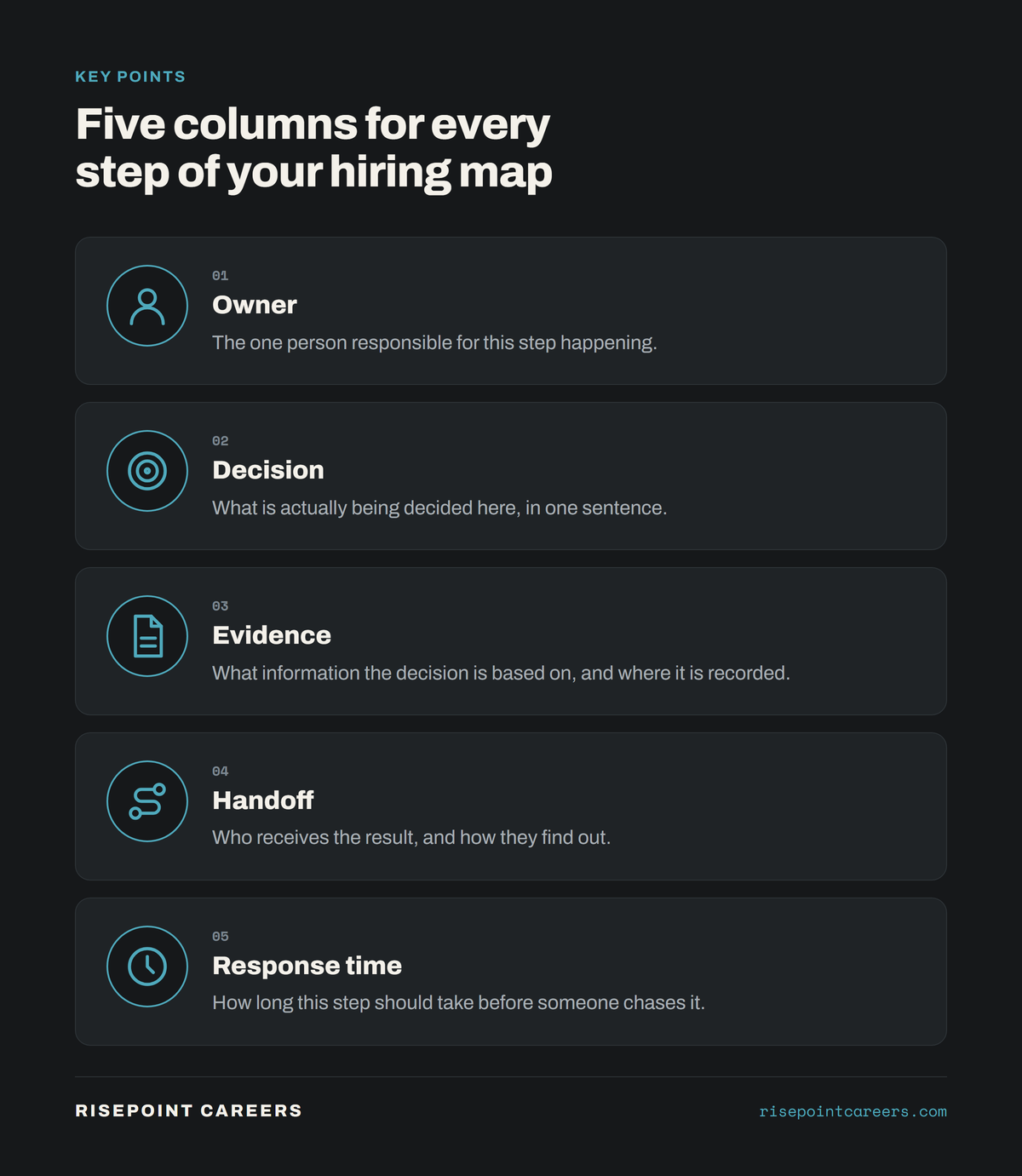
For each step, fill in five things.
1. The owner. The one person responsible for making the step happen. If you write "the team" or "whoever is free," you have found your first problem.
2. The decision. What is being decided at this step, in one sentence. "Is this person worth a first interview?" is a decision. "Look at CVs" is not.
3. The evidence. What information the decision is based on, and where it is written down. A gut feeling recorded nowhere is still evidence. It is just evidence nobody else can see.
4. The handoff. Who receives the result of the step, and how they find out. Many delays live here.
5. The response time. How long the step should take before someone chases it. OPM's model does this for every step. For example, its page on the step where the manager reviews applications, interviews, checks references and makes a selection names the manager as the person who performs it and allows 15 days to complete it. Your numbers will be different. The point is that there is a number.
A simple table or a whiteboard is enough. This should take an hour, not a week.
What the map usually reveals
Teams that do this exercise tend to find the same handful of gaps.
Nobody formally approved the role. The hire started with a conversation, so the budget, the level and the reason for hiring were never agreed. Those questions come back later, usually at the offer stage.
Screening standards were agreed too late. The team started reading applications before deciding what it was looking for, so the criteria changed as the CVs came in.
Interview feedback arrived in different formats. One interviewer sent a paragraph, another a score, a third a thumbs up in chat. None of it could be compared.
Candidate communication had no owner. Everyone assumed someone else was keeping the candidate updated. The candidate heard nothing for a week.
Requirements had no clear reason. Some lines in the advert were copied from an older version of the role. Acas, which advises UK employers, warns in its guidance on advertising a job that employers must be able to show a good reason for any requirement in an advert. A map that starts with the role request forces that conversation early.
None of these problems is solved by software on its own. All of them become obvious the moment you draw the process.
Fix the minimum operating model first
Once you can see the gaps, fix the smallest set of rules that would close them. For most small teams that looks like this:
- A short role request, approved by one named person, before anything is posted.
- Three to five criteria agreed before the first application is read.
- One feedback format that every interviewer uses.
- One owner for candidate communication, with a set response time.
That is a minimum operating model. It fits on one page, and it works whether you run it in a spreadsheet or a dedicated system.
Then choose the tool
Now the software question becomes much easier. You are no longer asking "which tool is best?" You are asking "which tool makes our one page model easiest to follow?" That is a question with a clear answer, and the map tells you what to test for.
If you are at that stage, we covered what a small team actually needs from an applicant tracking system in an earlier article.
The bottom line
Before you add software, draw the process. Map one real hire, name the owner, decision, evidence, handoff and response time for every step, and fix the gaps the map reveals. A clear process can be supported by a tool. An undefined process can only be digitised.